
Mygents
- Alpha
- macOS
A home where your AI agents live and work.
Give the AI coding agents on your Mac a name, a character and a place to work, so you can see at a glance who’s doing what.


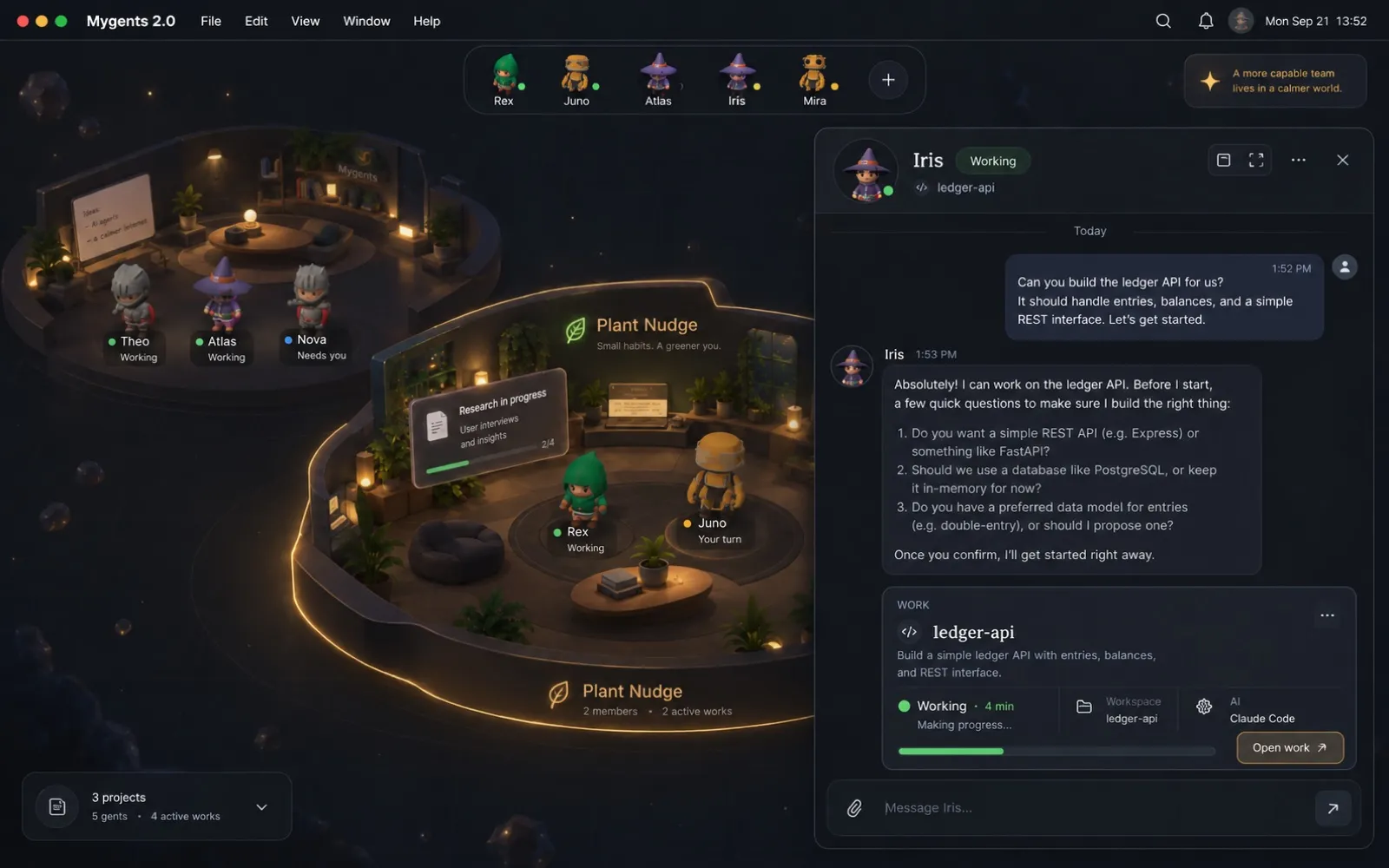
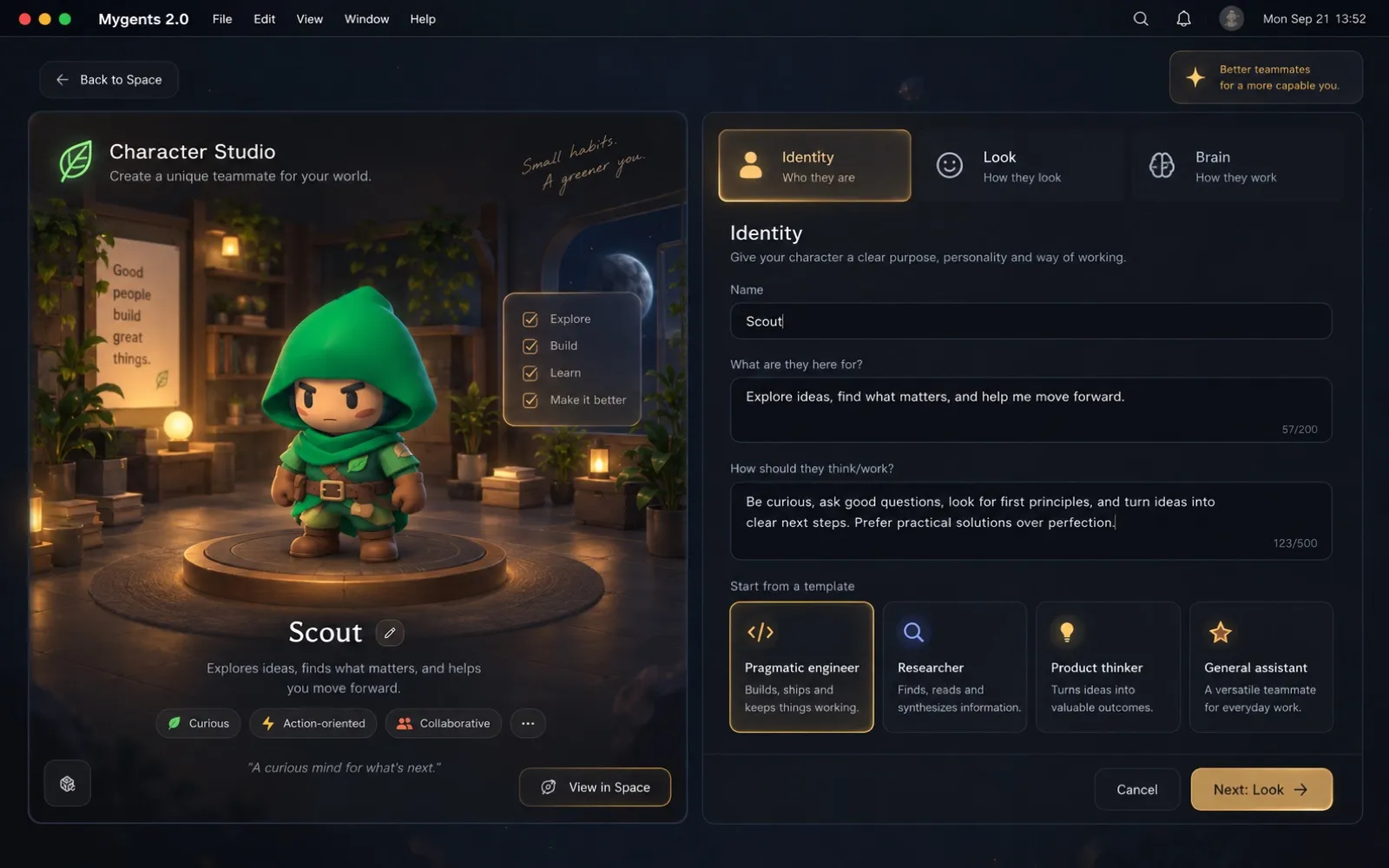
Screenshot 1 of 4
These are design mockups. The app is in alpha and doesn’t look like this everywhere yet.
For people who run several AI coding agents at once, and have no lasting way to tell them apart or to see what each one is doing.
You create a character, hand it a session, and watch it head into the project it’s working on. Its name, instructions and history stay with it.
Real work drives the scene
Characters move only when their agent actually works. Nothing is faked.
Local-first
A local database on your Mac. The app makes no web requests of its own.
Bring your agents
Claude Code and Codex, including sessions started in the terminal.
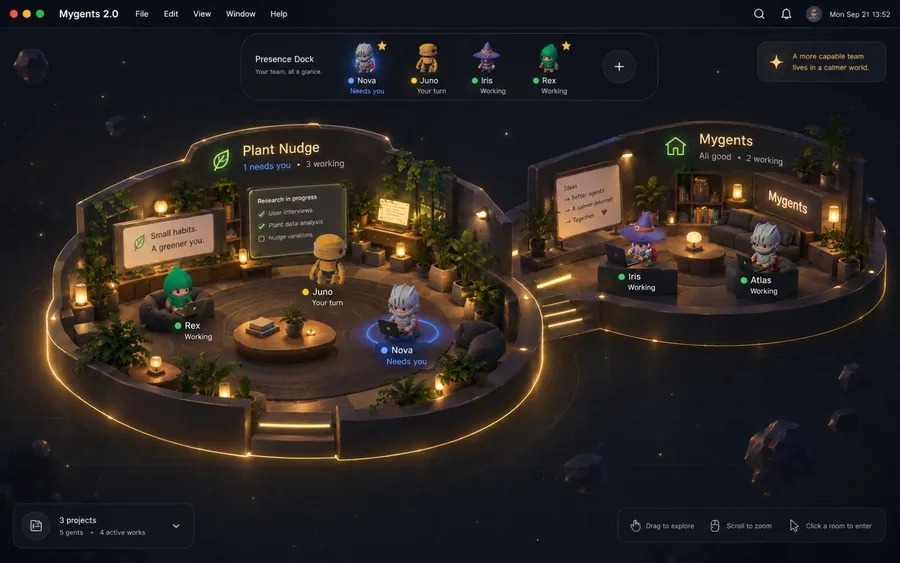
Home, spots and rooms
Characters live at a shared Home and walk into a project Room while their session runs.
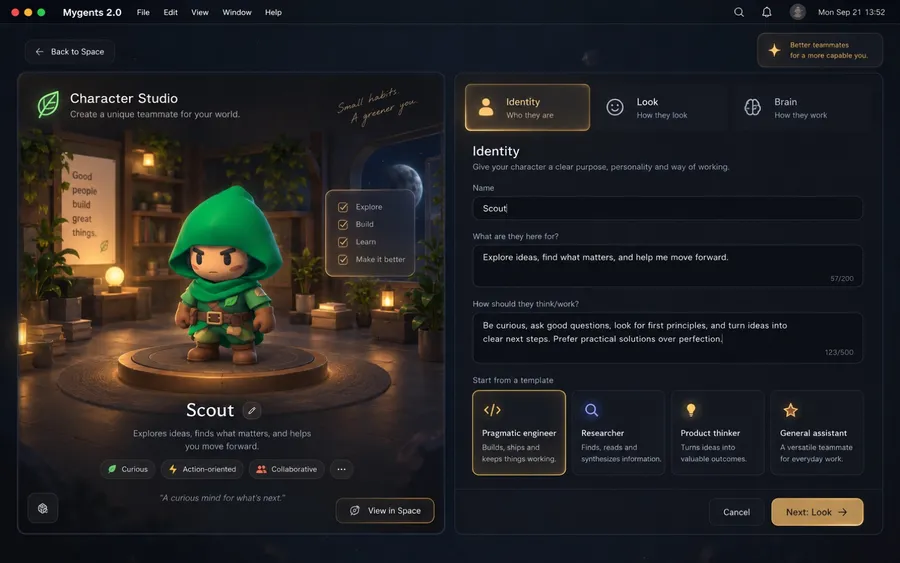
A brain per character
Each character keeps its own conversation history, the instructions you write and a default AI.
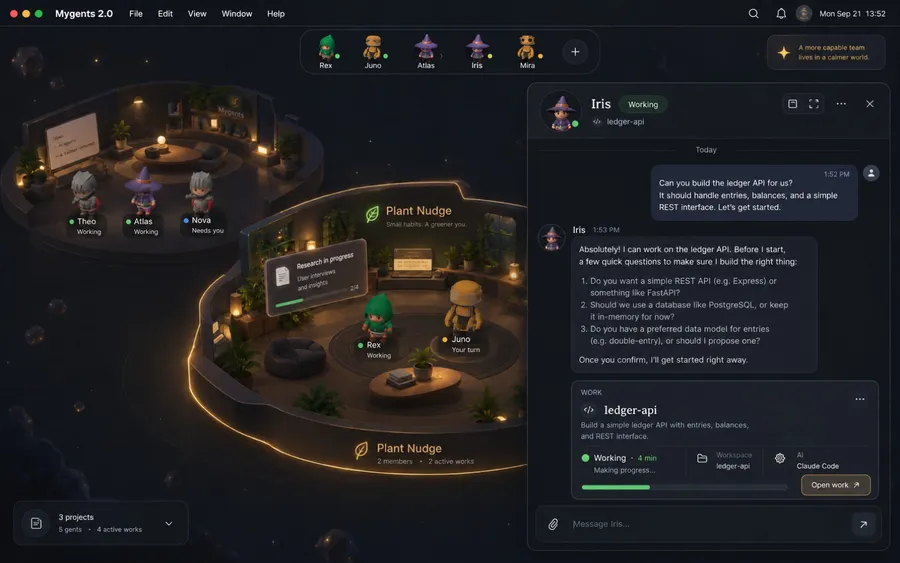
Talk and give work
Chat with a character, with or without a project, and follow the work it takes on.
Start sessions from the app
Launch Claude Code and Codex sessions, or let Mygents pick up the ones you start in a terminal.
Approvals in place
Answer Codex approval requests without switching to the terminal.
Why I built it
Agent runtimes are anonymous and trapped in terminals, logs and chat windows. With a few running at once, it’s hard to know who is doing what. Mygents gives each one a face and a place, so you can see that at a glance.
Decisions that shaped it
- 01
A character is not a workspace
Characters move between projects instead of belonging to one repository.
- 02
The brain is not a model
Mygents assembles each character’s context itself. It never makes a second AI call behind your back.
- 03
No pretend progress
The scene never invents activity, and the app never shows a button for something it can’t do.